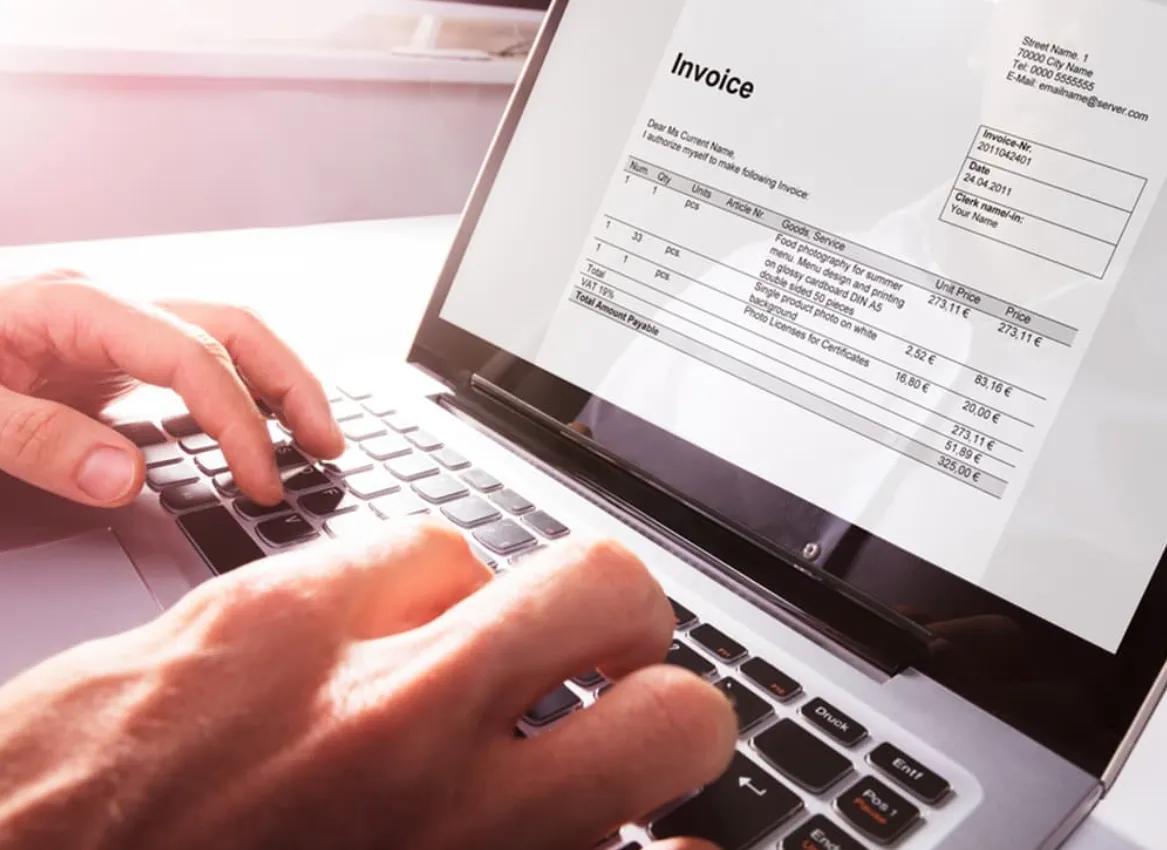
Every small business owner knows that cash flow isn’t just a number on a spreadsheet — it’s the heartbeat of the company. Poor cash flow management is one of the top reasons businesses struggle to scale or even survive. The good news? With the right software, you can automate invoicing, speed up payments, and gain visibility into your financial future. In this guide, we’ll explore the best software tools that help businesses improve liquidity, predict cash flow trends, and maintain healthy financial operations — without the guesswork.
QuickBooks Online – The All-in-One Cash Flow Anchor
QuickBooks Online by Intuit remains one of the most trusted platforms for small-to-mid-sized businesses. It combines accounting, billing, and expense management in a single dashboard — making it a cornerstone of any cash flow optimization strategy.
Key Benefits:
- Automates invoicing and recurring payments.
- Provides real-time dashboards for tracking income vs. expenses.
- Integrates directly with bank accounts for instant reconciliation.
- Offers cash flow forecasting tools that predict future liquidity gaps.
Unique Tip: Connect QuickBooks with a payment processor like Melio to manage vendor payments directly from your QuickBooks dashboard — a simple integration that reduces payment lag and improves visibility.
Float – Forecast Your Cash Flow With Precision
Float is a dedicated cash flow forecasting tool that integrates seamlessly with accounting systems like Xero and QuickBooks. It’s designed for business owners who want clarity on where their cash position will be weeks or months ahead.
Why It Works:
- Turns real-time accounting data into rolling 3-, 6-, or 12-month forecasts.
- Provides scenario planning to simulate best- and worst-case financial outcomes.
- Highlights when you might need to adjust spending or collections before issues arise.
Unique Tip: Set alerts in Float to trigger when projected cash dips below your comfort threshold — a proactive safeguard against overdrafts or delayed payroll.
Bill.com – Speed Up Your Receivables and Payables
Bill.com is built for businesses that want to take control of their accounts payable (AP) and receivable (AR) processes. It helps eliminate manual data entry and payment delays through intelligent automation.
Key Features:
- Digitizes bills and approvals, reducing processing time.
- Automates payments and integrates directly with major banks.
- Uses AI to capture invoice details and ensure accuracy.
- Provides visibility into payment statuses and upcoming expenses.
Unique Tip: Use Bill.com’s two-way sync with your accounting system to eliminate duplicate data and maintain an always-accurate cash balance.
Xero – The Cloud-Based Accounting Powerhouse
Xero is perfect for businesses that want a user-friendly yet powerful accounting platform. Its integrated ecosystem of apps makes it a flexible choice for cash flow optimization.
Standout Capabilities:
- Real-time financial data and customizable dashboards.
- Built-in online invoicing with payment tracking.
- Smart bank reconciliation and multi-currency support.
- Integrations with over 1,000 third-party apps for forecasting, payroll, and more.
Unique Tip: Pair Xero with Fathom — a performance analysis tool — to visualize cash flow metrics and gain deeper insights into profitability drivers.
Zoho Books – Best for Growing Small Businesses
Zoho Books offers a comprehensive accounting solution that includes strong automation features at an affordable price point — ideal for startups and small teams.
Top Advantages:
- Automates reminders for overdue invoices and recurring billing.
- Integrates seamlessly with other Zoho apps (CRM, Projects, Inventory).
- Provides vendor management and expense tracking in one place.
- Offers cash flow statements and projections to guide financial decisions.
Unique Tip: Use Zoho’s client portal feature to allow customers to view and pay invoices instantly, reducing turnaround time on receivables.
FreshBooks – Simplifying Cash Flow for Service-Based Businesses
FreshBooks is particularly effective for service professionals — freelancers, agencies, and consultants — who rely on fast invoicing and project-based payments.
Core Features:
- One-click online invoicing and payment links.
- Built-in time tracking and expense categorization.
- Automatic late payment reminders and recurring invoices.
- Financial reports that highlight monthly cash inflows and outflows.
Unique Tip: Use FreshBooks’ mobile app to send invoices immediately after a client meeting — shortening your payment cycle by days.
Expensify – Streamline Expense Management
While expense tracking may not sound glamorous, it’s critical to cash flow health. Expensify simplifies how teams report, approve, and reimburse expenses, reducing administrative bottlenecks.
Highlights:
- One-click receipt scanning and automatic categorization.
- Reimbursement processing via direct deposit.
- Integration with all major accounting platforms.
- Corporate card management with spending limits and real-time tracking.
Unique Tip: Sync Expensify with your accounting software to automatically reflect approved expenses in your cash flow dashboard — removing manual lag between spending and visibility.
💲 FAQ – Choosing the Best Platforms for Custom Business Card Design and Printing
A well-designed business card is more than contact info—it’s a compact ambassador for your brand. Whether you’re networking at events or shipping with personal notes, your card should look sharp, feel professional, and arrive fast. The FAQs below highlight the top online platforms for creating, customizing, and printing business cards efficiently. From design simplicity to print quality, delivery speed, and overall value, here’s how to choose the right service for your needs.
Q1: What are the best online platforms to design and print professional business cards?
Several leading services make it easy to design and print business cards with minimal effort. Adobe Express stands out for its browser-based design tools, allowing you to print your own business card in minutes using elegant, ready-to-edit templates. Vistaprint is another trusted option known for premium finishes and wide material selection, while Moo caters to creatives seeking luxe paper stocks and bold color options. Each of these platforms integrates high-resolution printing with professional-grade layout tools.
Q2: Which design services rank highest for easy-to-use templates and customization?
If you’re seeking fast, professional results without a steep learning curve, Adobe Express, Zazzle, and Staples Print & Marketing Services top the list. Adobe Express offers hundreds of customizable templates that allow you to personalize fonts, colors, and layouts effortlessly. Zazzle’s marketplace gives you access to independent designer templates for unique looks, while Staples provides corporate-friendly layouts ideal for small business branding. Each platform combines drag-and-drop simplicity with polished design outcomes.
Q3: Who offers the quickest delivery for business card printing and shipping?
When you need cards fast, Overnight Prints and Vistaprint lead the pack with same-day or next-day production options in many regions. Overnight Prints provides a live delivery timeline calculator during checkout, ensuring you get accurate turnaround times. Vistaprint offers express shipping options and real-time tracking, perfect for last-minute event preparation or trade shows. Adobe Express, paired with local print providers, can also expedite delivery while maintaining quality.
Q4: Which business card printing service has the most reliable customer support?
When it comes to support, Adobe Express and Moo are consistently praised for their hands-on service. Adobe Express provides real-time design guidance and responsive live chat to assist with layout or print settings before ordering. Moo, meanwhile, offers personalized help from design experts and quality assurance checks before printing, ensuring every order meets expectations. Both platforms are known for resolving issues quickly and maintaining excellent post-purchase communication.
Q5: What platform delivers the best overall value for business card design and printing?
For the best combination of price, quality, and ease of use, Adobe Express delivers outstanding value—especially for entrepreneurs and freelancers who need professional results without designer fees. You can create unlimited versions of your card, adjust layouts instantly, and print high-quality batches affordably. Vistaprint and GotPrint also offer competitive pricing on bulk orders, making them ideal for scaling businesses. Ultimately, the best value comes from a service that balances customization freedom, print precision, and dependable turnaround.
Improving your business’s cash flow isn’t about chasing overdue invoices — it’s about engineering visibility and automation into your financial operations. Whether you choose QuickBooks for accounting, Float for forecasting, or Bill.com for payments, each of these tools serves as a signal amplifier for your financial health. By combining structure, automation, and insight, your business doesn’t just survive — it thrives.